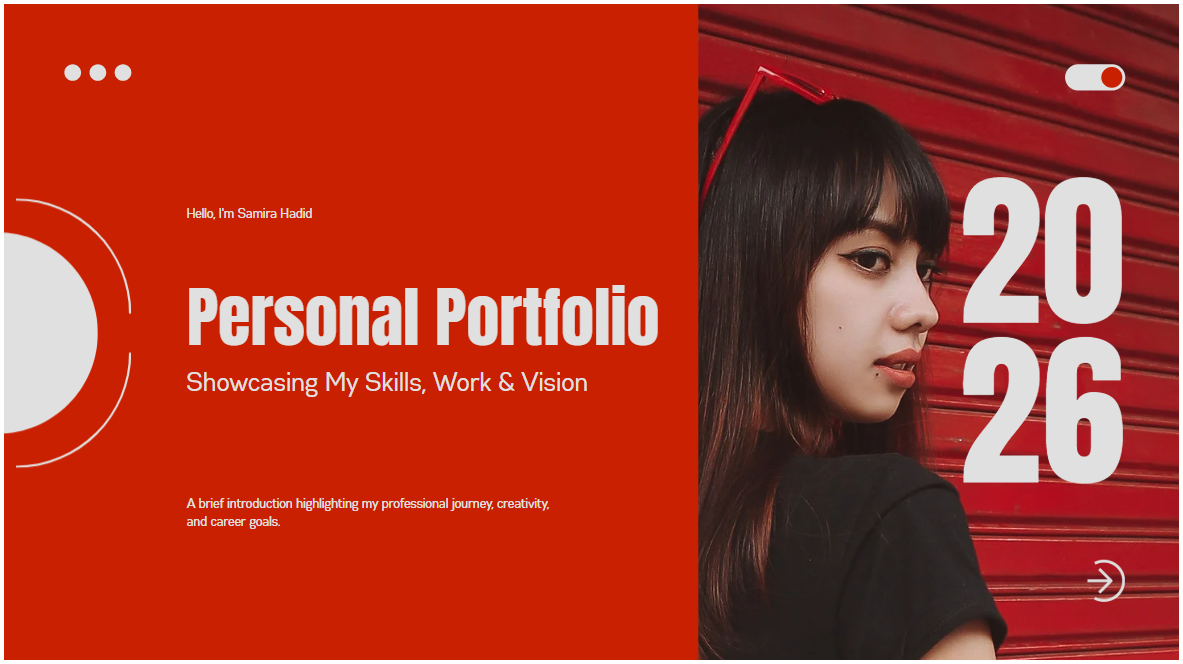
A professional portfolio can help Virtual Assistants showcase their skills, experience, services, and previous work to potential clients. Whether you are a beginner VA or already have experience working online, having an easy-to-share portfolio gives future clients a convenient way to learn more about what you can offer.
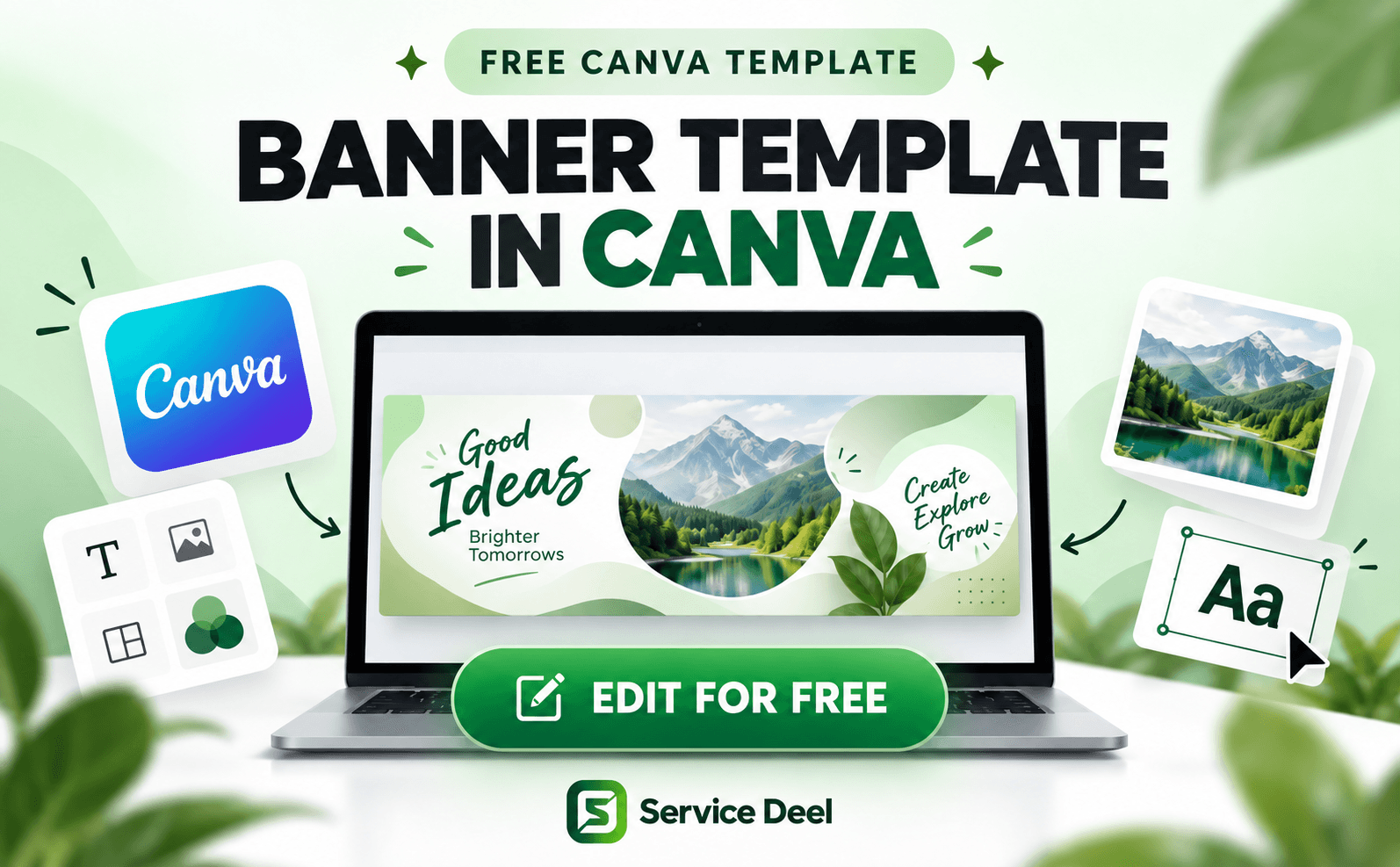
With this FREE Canva Portfolio Design, you can create and customize your own professional VA portfolio without needing advanced design skills. Add your photo, introduction, skills, services, work samples, experience, contact information, and other important details that represent your professional profile.
One useful feature of Canva is the ability to publish your portfolio as a website. Depending on Canva's available publishing options, you can use a Canva-hosted web address or connect a domain option supported by Canva. This gives you a portfolio link that you can conveniently share with potential clients.
You can also add your portfolio link to your Service Deel profile, allowing employers and future clients to view more information about your work, abilities, and services.
Customize the template, make it your own, publish your portfolio, and start presenting your VA skills professionally to future clients.
I can also create the blog title, meta description, SEO tags, and step-by-step “How to Publish Your Canva Portfolio as a Website” section for the same Service Deel blog.
How to publish as a subdomain link in canva?
After finishing your portfolio in Canva:
- Open your VA portfolio design and check it with Preview, especially the mobile view.
- Click Publish Website in the upper-right area.
- Choose Canva's free domain option.
- Create a simple, professional URL name. For example: maria-va.my.canva.site, maria-virtualassistant.my.canva.site, or maria-portfolio.my.canva.site.
- Add the website title and description, review your website settings, then click Publish.
- Canva will generate a public website link that you can copy and send to clients.
Canva currently allows websites to be published free using its my.canva.site domain. Free users can have up to five live Canva Sites using the free URL. Canva
Sharing it with a client
Presentation - Virtual Assistant Portfolio
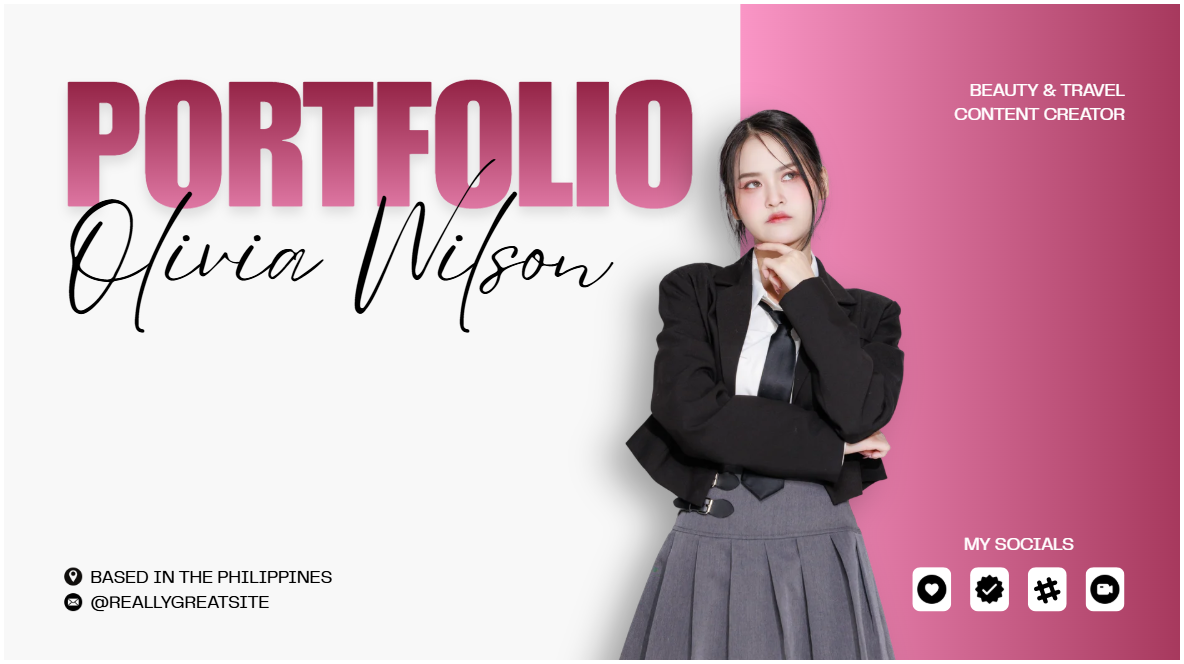
Black and White Minimalist Bold Virtual Assistant Portfolio Presentation

Minimalist Virtual Assistant Portfolio Template

Black Minimalist Portfolio Website
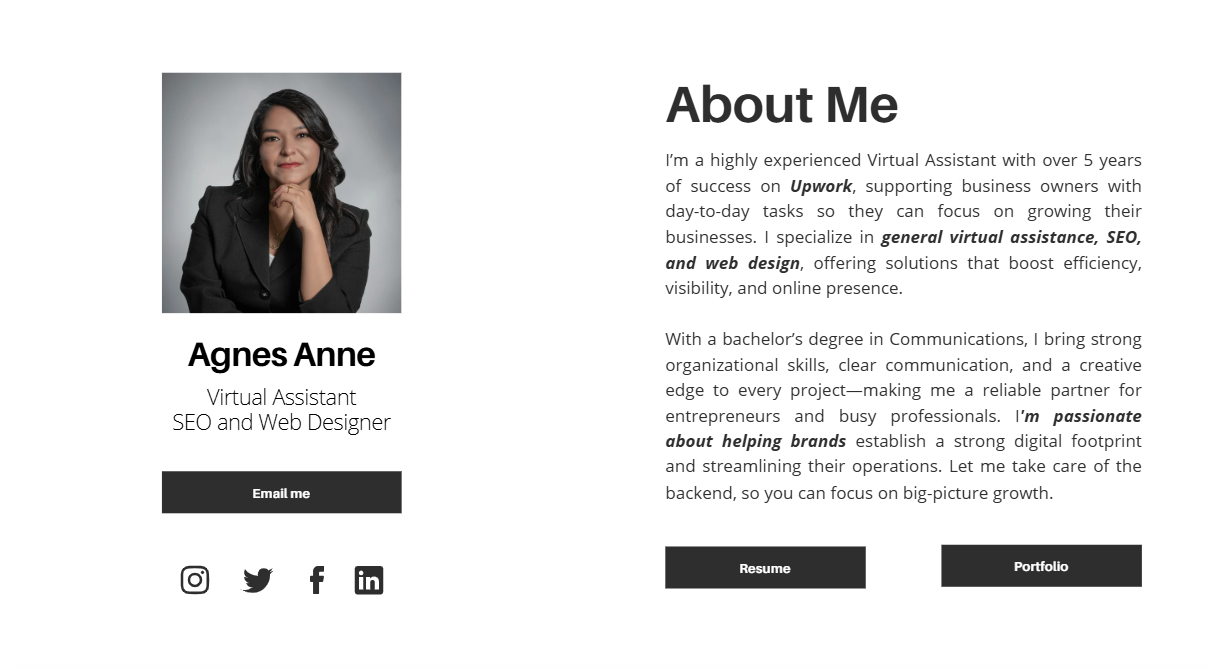
Black White and Purple Modern Content Creator Presentation
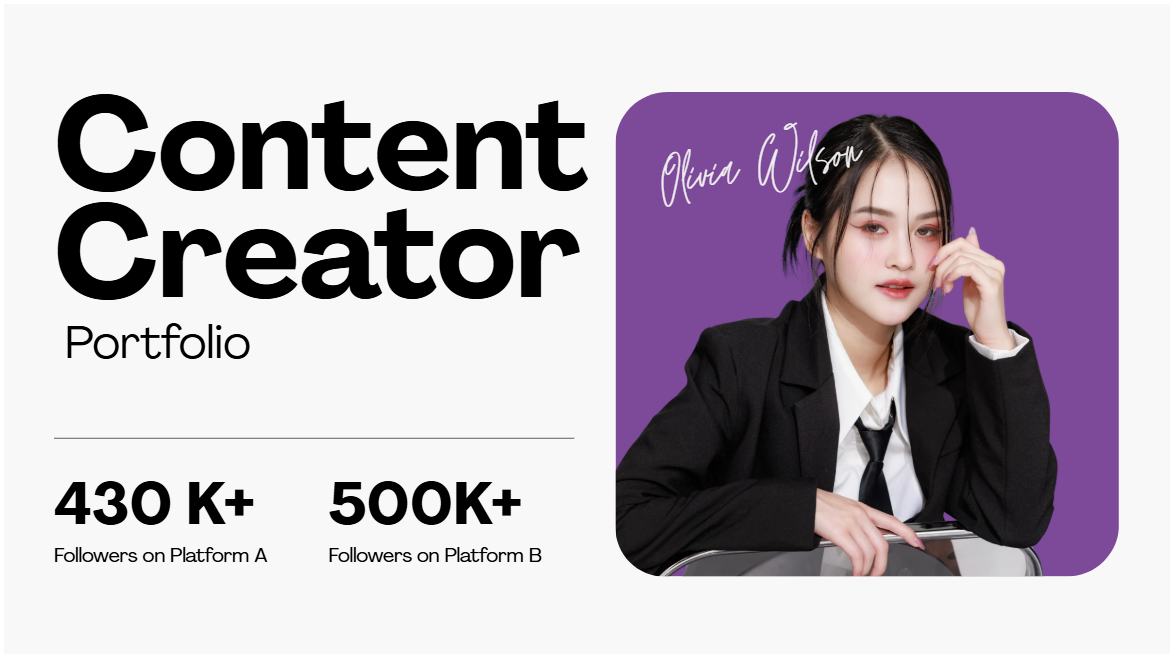
Presentation - Virtual Assistant Portfolio
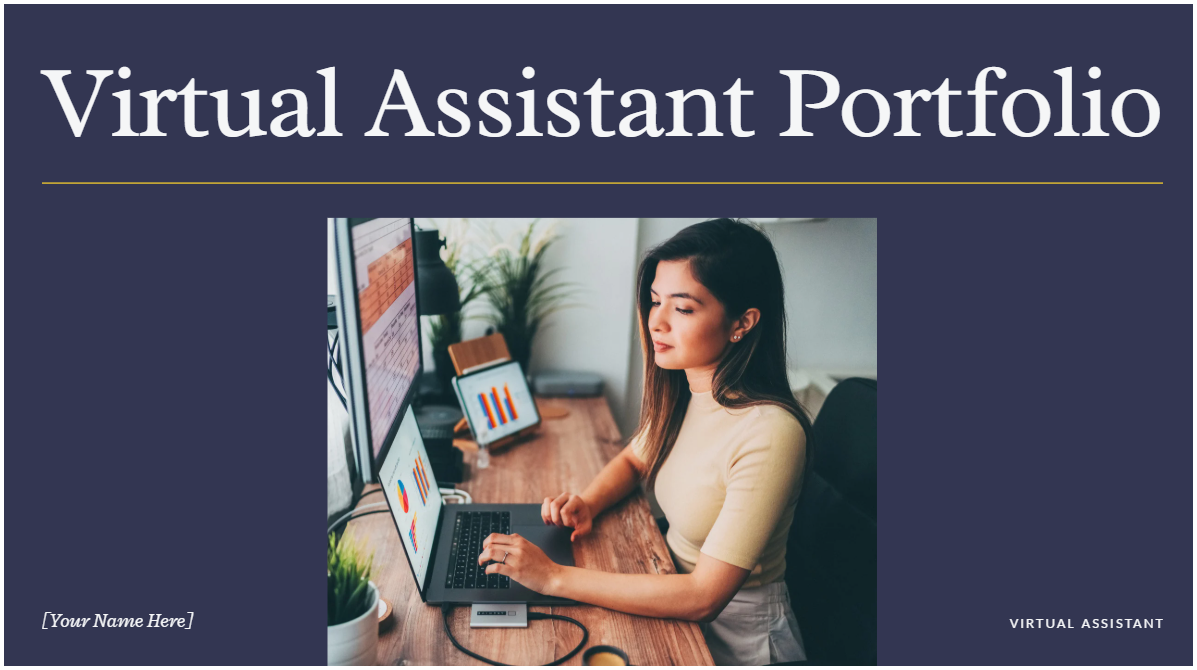
Simple Virtual Assistant Portfolio

Blue Pink Gradient Modern Virtual Assistant Services Client Pitch
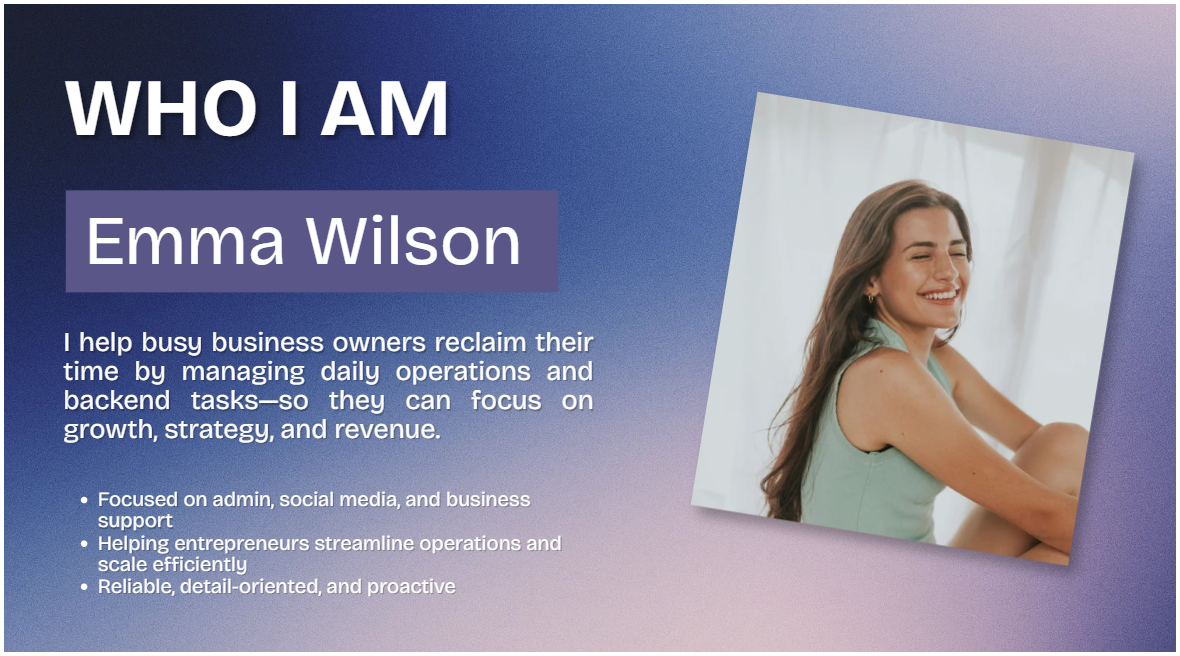
Red White Minimalist Personal Porfolio Presentation