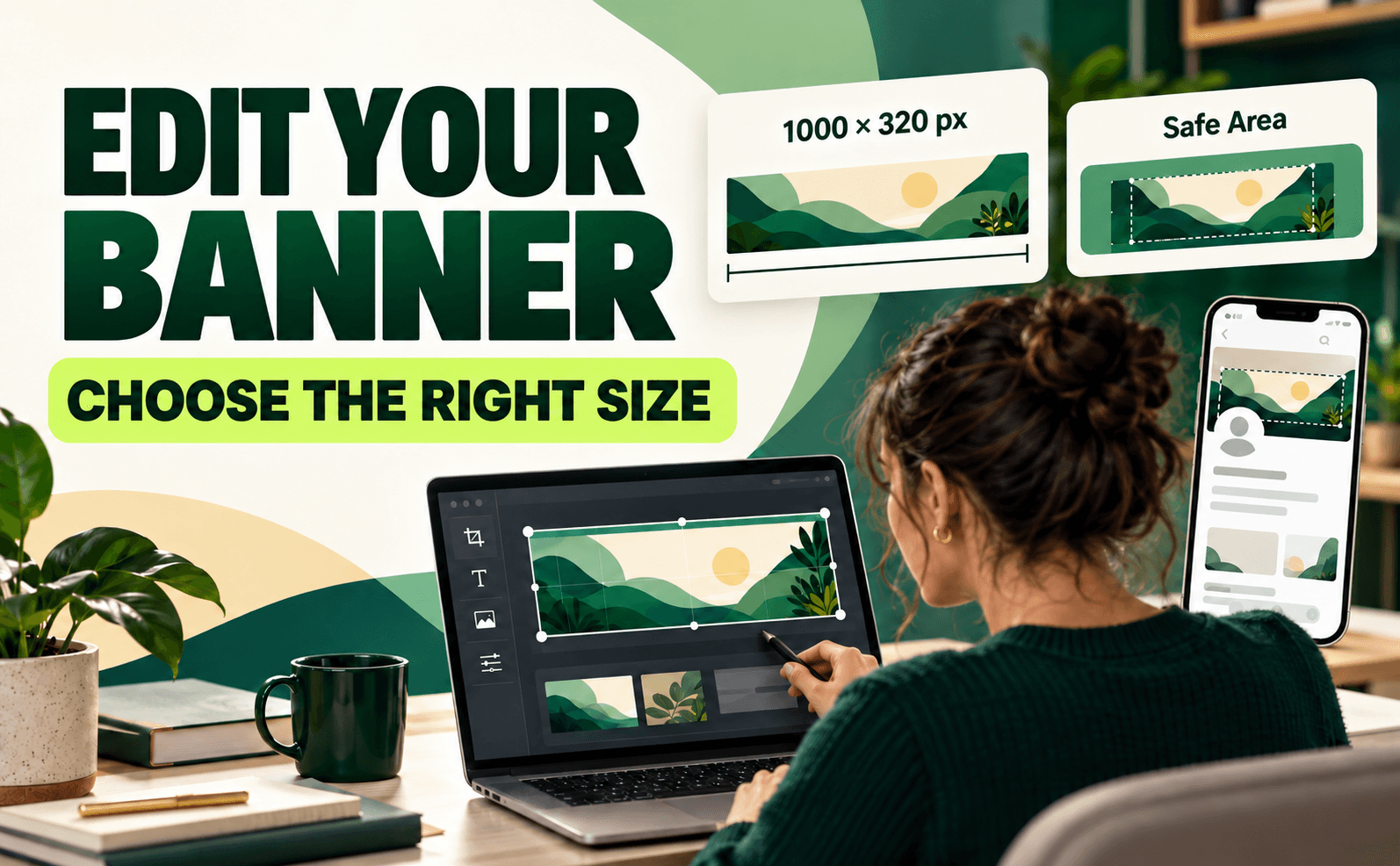
A well-designed banner can make your Service Deel profile look more professional and attractive to Job Seekers, Employers, Clients, and Service Providers.
When creating your profile banner, it is important to use the correct size and place your important information in the proper area so that it remains visible on both the website and mobile app.
Recommended Banner Size
The recommended banner size for Service Deel is:
1000 × 320 pixels
For the best image quality, create or upload your banner using this size.
Keep Important Information in the Center
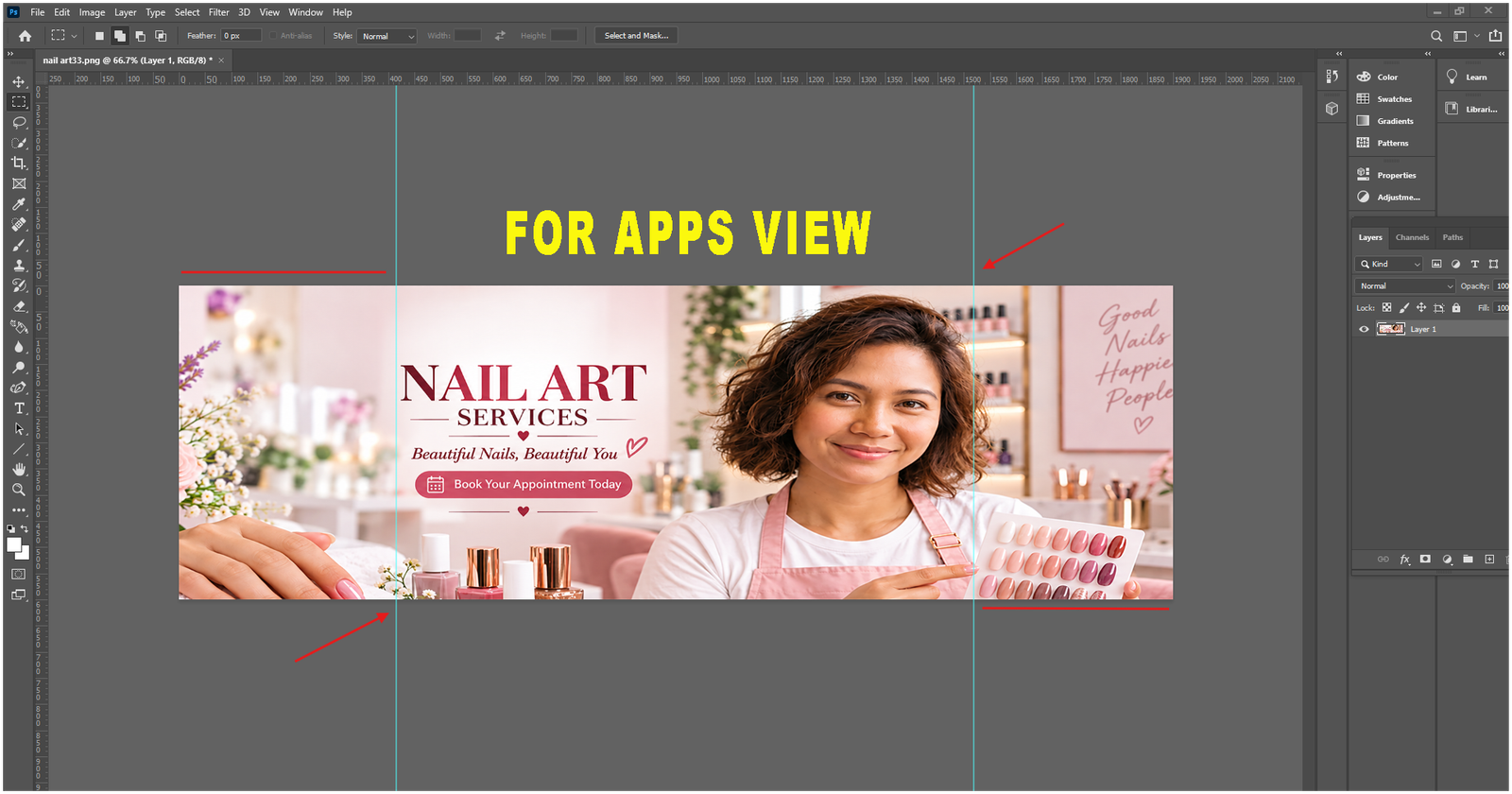
Although the full banner measures 1000 × 320 pixels, not every part of the banner may be visible on every device.
Mobile phones, tablets, and different screen sizes may display or crop the banner differently. Because of this, you should keep all important information near the center of the banner.
Important information may include:
- Your name or business name
- Company logo
- Job title or profession
- Main service
- Short headline or tagline
- Important promotional message
How to Set Up Canva Guides for Mobile App Banners
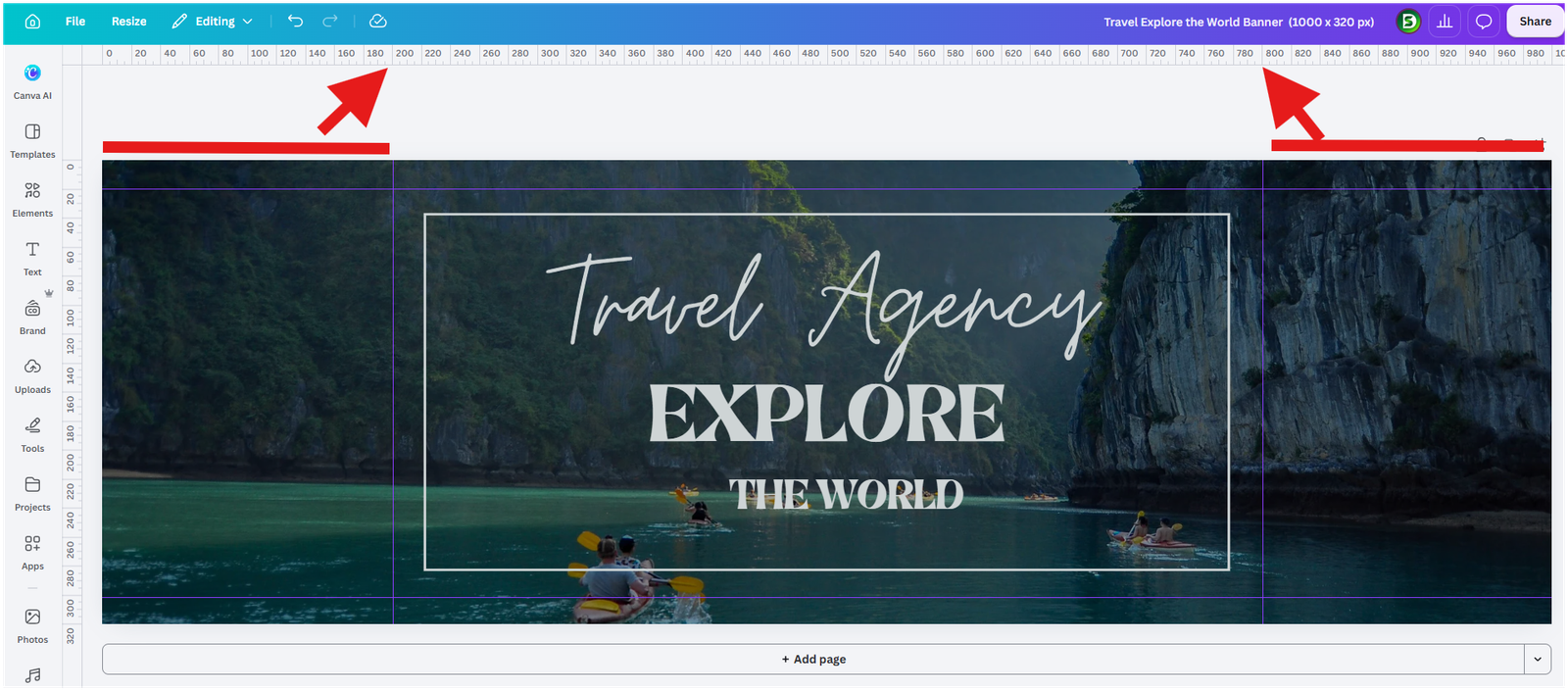
- Open Canva → Create a Design → Custom Size.
- Set the size to 1000 × 320 pixels and click Create Design.
- Go to File → Settings → Show Rulers and Guides.
- Drag the guides to these positions:
- Left: 180 px
- Right: 800 px
- Top: 20 px
- Bottom: 300 px
Important: Keep all text, logos, images, and booking details inside the guides. This is your mobile app safe area, helping prevent important content from being cropped on smaller screens.
Use the Center as Your Safe Area

Think of the middle portion of your banner as the Safe Area.
Place your most important text, logo, and information inside this area. This helps prevent important content from being cut off when your banner is viewed through the Service Deel app or on a smaller screen.
The left and right sides of the banner are better used for background photos, colors, patterns, illustrations, or other decorative elements.
Make Your Service Deel Profile Stand Out
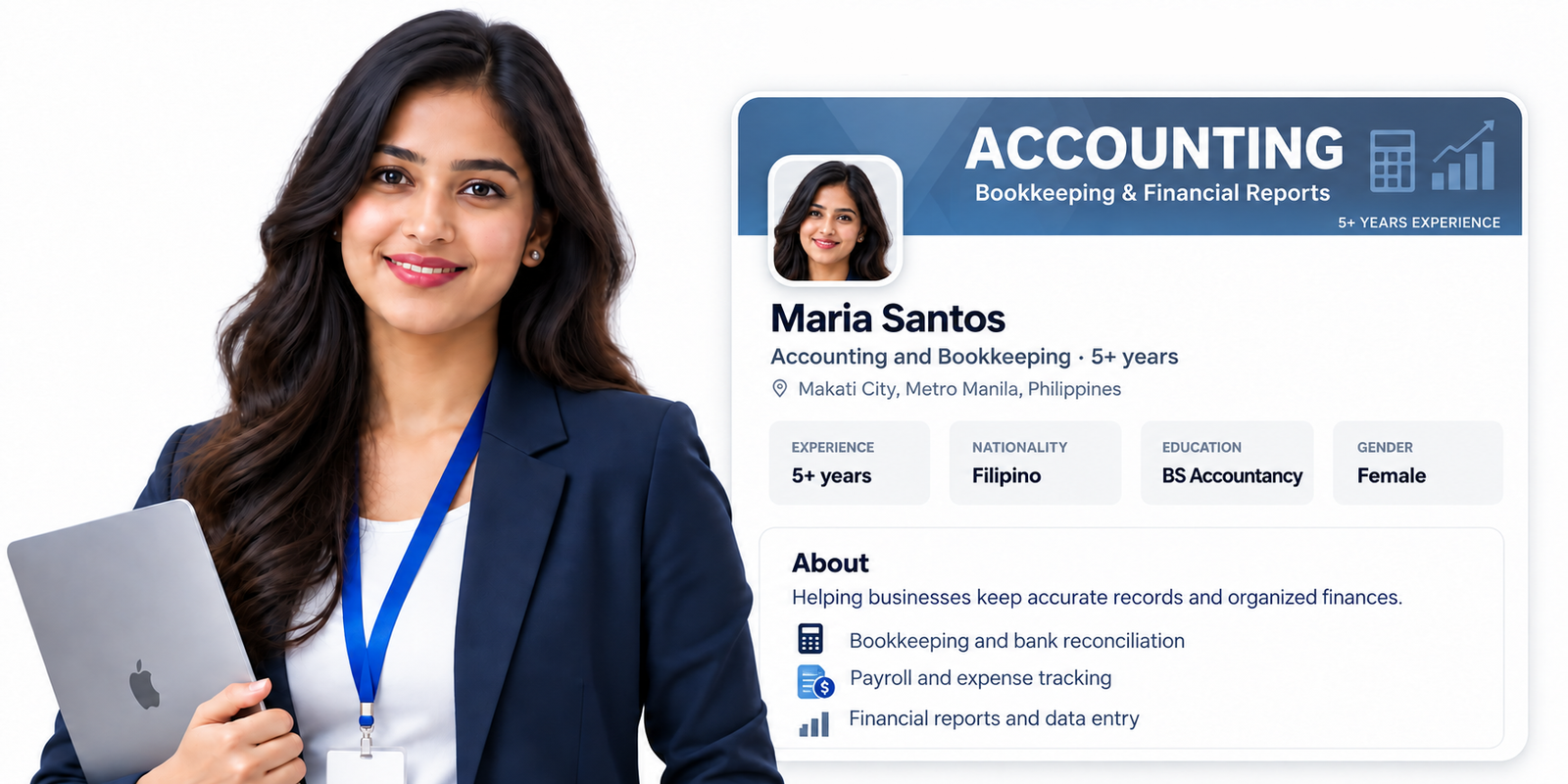
Your banner is one of the first things people may notice when viewing your profile. Use it to clearly communicate who you are, what you do, or what your business offers.
A simple, professional banner with important information placed safely in the center can help your Service Deel profile look better on both desktop and mobile devices.