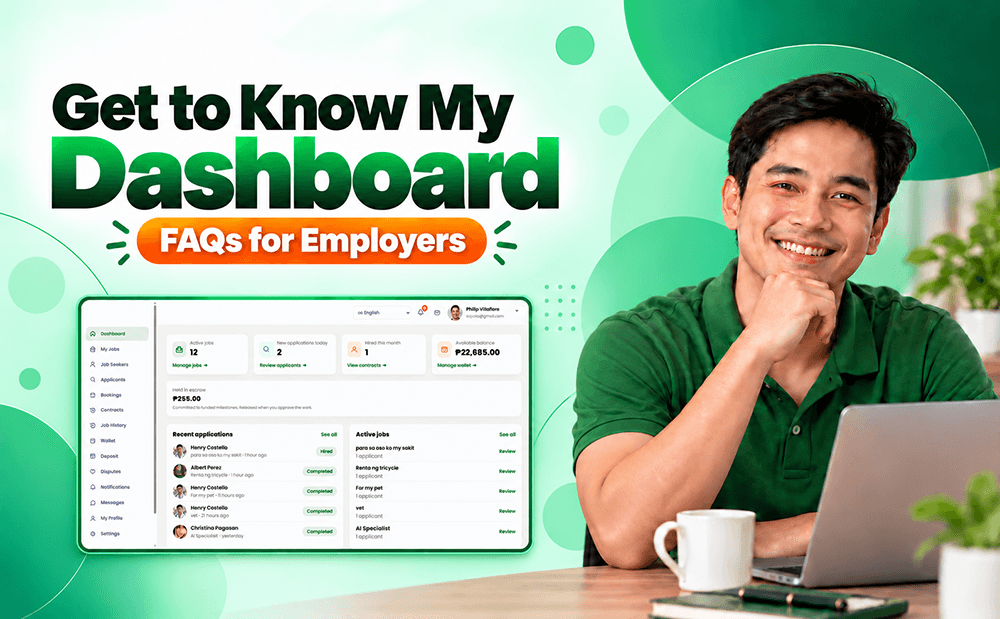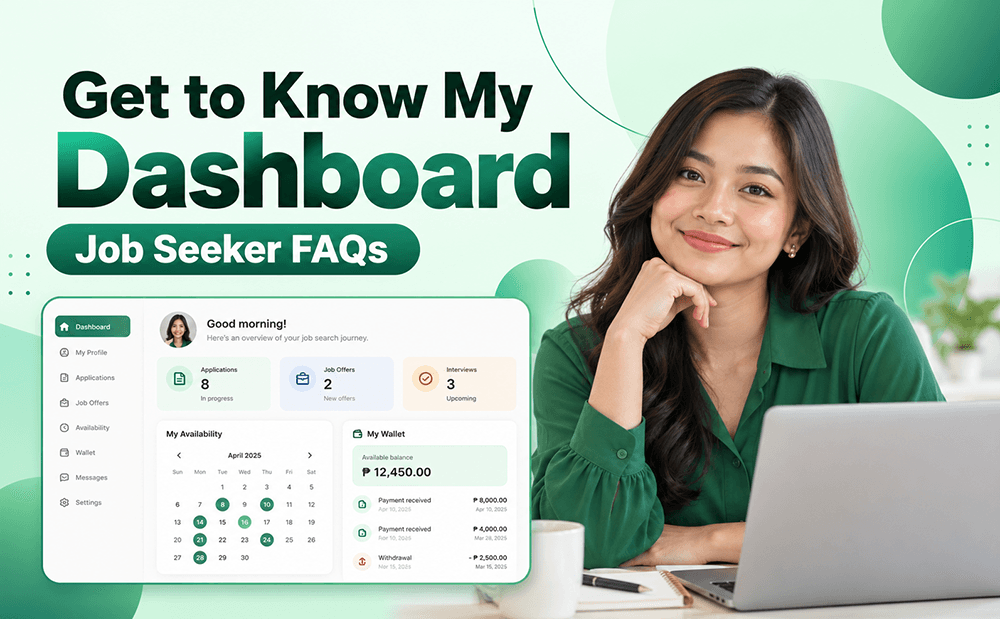
Get to know your Service Deel Job Seeker Dashboard and learn how to manage job offers, set booking availability, check contracts, withdraw earnings, update your profile, and more. This simple guide will help you understand and use your Dashboard features with ease.
1. How to Accept a Job Offer?
From your Dashboard, go to Job Offers and click Accept to accept the job offer sent by an Employer.
2. How to Set Up Bookings?
From your Dashboard, go to My Availability. Select the date and set the time you are available for bookings.
If you have a day off, click Days Off, select the dates you are unavailable, and click Add a Day Off to save.
Note: To remove a day off, simply click Remove.
3. How to Make Sure the Employer Will Pay for My Job or Services?
From your Dashboard, go to Contract and select the Active Job you want to check.
Check if the payment status shows IN ESCROW. If the funds are not in Escrow, message your Employer and ask them to move the funds into Escrow to help secure your payment.
4. How to Withdraw My Earnings?
From your Dashboard, go to Wallet → Withdraw.
Enter the amount you want to withdraw and select the bank where you want to receive your earnings.
Note:
- Minimum withdrawal amount is ₱100.
- Withdrawals take 1 to 5 business days to arrive.
- Booking payments and Wallet earnings are separate. Booking payments are sent separately to your bank account.
5. When Will I Receive My Booking Earnings?
Booking payments are sent to your bank account within 1 to 5 business days.
For booking concerns, contact customercare@servicedeel.com and include your Booking Reference Number for faster assistance.
To find your reference number, go to Dashboard → Bookings and select the booking you want to check.
6. How to Raise a Dispute?
For dispute-related concerns, please check the Dispute Guide using the provided link.
7. How to Upload a YouTube Video?
Go to YouTube, create a Gmail account if you don't have one, and upload your video.
Once uploaded, copy the YouTube video link and paste it into your Edit Profile page on Service Deel.
Tip: We recommend adding Service Deel to your YouTube video title to help Employers find your video more easily.
8. What Is the Right Size for Uploading Pictures to My Profile?
There is no required size for supporting photos on your profile.
However, we recommend using the same image size for all supporting photos to make your profile look more organized and professional.
9. How to Know If I Am Hired for the Job I Applied For?
From your Dashboard, go to Job Offers and check if you have received a job offer.
If no job offer appears, it means you have not yet been hired for the job you applied for.
If you receive a job offer, you can choose to Accept or Reject it.
10. Why Do Messages Appear Twice from the Same Profile?
Service Deel's messaging system is designed per job, not per profile.
This means conversations with the same Employer may appear separately for different jobs.
This helps keep each job conversation organized and makes it easier to track messages if you need to raise a dispute.
11. How to Delete My Account?
Go to My Profile → Edit My Profile.
Scroll to the bottom of the page and click Delete My Account.
Type DELETE to confirm your account deletion.
Need More Help?
For any questions or concerns, please contact customercare@servicedeel.com.
Service Deel – Find Work. Find People. Connect Directly.